

|
Name |
RED TV |
|---|---|
|
Google Play Link |
GET IT ON
Google Play
|
|
Category |
Entertainment |
|
Developer |
SFR |
| Last version | 2.2 |
|
Updated |
|
|
Compatible with |
Android 6.0+ |
Introduction to RED TV APK
RED TV APK is a mobile entertainment app built for live television and on-demand viewing. It fits the streaming TV app category, with a focus on channel access, replay content, and video rentals or purchases tied to a supported account. In simple terms, it puts TV services on your phone or tablet so you can watch shows without being glued to the living room screen.
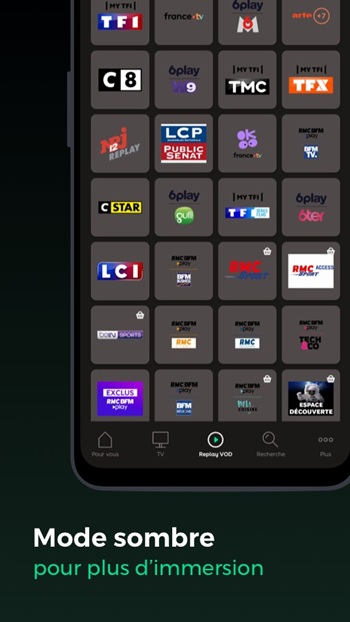
The app is mainly used for watching live channels, checking TV schedules, and catching up on programs you missed. It also includes replay and video-on-demand sections, so users can stream selected shows, movies, and series when it suits them. For people who like to keep everything in one place, RED TV also lets them manage favorites, recordings, and paid content from their account.
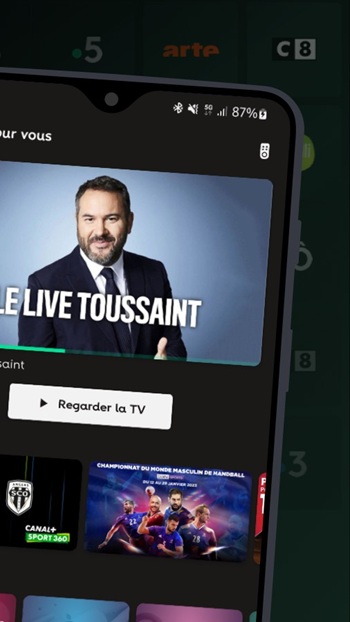
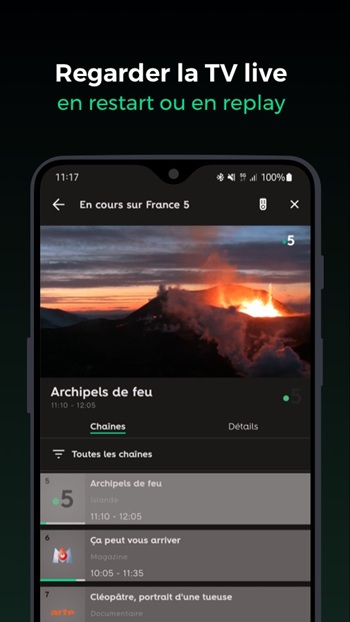
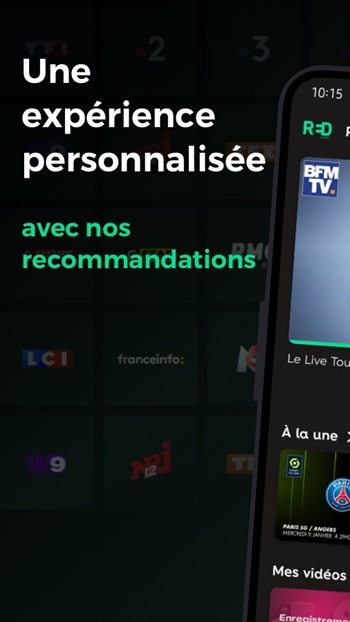
One of its strongest points is how it organizes viewing across different screens. Users can open the app and quickly see featured live content and highlighted picks in the home area. The built-in TV guide helps track what is currently airing and what is coming next on supported channels. There is also a search tool for finding films, series, and actors faster, plus voice search for people who would rather talk than type. Fair enough, that can be a nice shortcut after a long day.
RED TV APK also adds practical tools that make regular viewing less messy. You can save programs and series to favorites, which helps when you do not want to keep searching for the same title again and again. Remote recording management is another useful feature for users with compatible TV options, since it gives more control over what to save for later. Some content can also be downloaded for offline viewing, which is handy for trips, commutes, or places with unstable internet.
The app has clear benefits for users who already have a compatible RED mobile or box service. It makes TV access more flexible, keeps live channels and replay content close at hand, and reduces the need to switch between several apps for basic viewing tasks. The interface also appears designed for convenience, with personalized sections and account-based content management that can make browsing feel a bit more organized.
There are a few limits to keep in mind. Access to channels and replay depends on the user’s subscription, so not every feature is available to everyone. Some content is restricted to multi-screen viewing or download-enabled titles only, which may disappoint users expecting full offline access. A stable 3G, 4G, or Wi-Fi connection is also strongly recommended, so the app is most useful for people who watch TV regularly on mobile and already use the related RED service ecosystem.
FAQs RED TV
What is RED TV APK used for?
+
RED TV APK is used for watching live TV channels, checking program schedules, accessing replay content, and managing favorites or recordings from a compatible RED account.
Who should use RED TV APK?
+
RED TV APK is best for users who already have a compatible RED mobile or box subscription and want to watch TV content on a phone or tablet.
Can I watch shows offline on RED TV APK?
+
Yes, but only selected content can be downloaded for offline viewing. Availability depends on the title and your subscription access.
Does RED TV APK include live TV channels?
+
Yes, the app includes live TV access for supported users, along with a program guide that helps track current and upcoming broadcasts.
What are the main limitations of RED TV APK?
+
The biggest limits are subscription-based access, restricted availability for some channels or downloads, and the need for a stable internet connection for smooth streaming.
Discover More Interesting Apps
-

iWant TV
v26.05.14-1
21.00 Mb
Updated -
MiraiMind
v1.1.81
121.58 Mb
Updated -
Mod
RaptDrama
v1.1.68
45.32 Mb
Updated -
Mod
AI Hubs
v1.2.0
14.90 Mb
Updated -
Mod
PlayboxTV
v6.12.2
45.00 Mb
Updated -
Avvy
v2.21.0
243.69 Mb
Updated -
Mod
FreeReels
v2.3.11
77.87 Mb
Updated -
Mod
MoboReels
v3.6.6
52.68 Mb
Updated -
Mod
NetShort
v2.2.2
99.00 Mb
Updated -
Mod
iDrama
v1.29.1
127.00 Mb
Updated










Share Your Thoughts